The internet has made it easier than ever to discover information, explore new interests, and learn about different subjects. From technology and entertainment to business and lifestyle, online platforms give readers access to content that fits their needs. VolumeRider is a website name that can be explored as part of this growing digital publishing environment. Understanding a platform’s purpose, content categories, and available features helps visitors decide whether it offers the information or services they are looking for. As online audiences continue to grow, websites need to provide clear information, accessible navigation, and useful experiences to keep readers engaged.
Correction: The actual website, VolumeRider.com, focuses on audio production and sound-related content. Its main offering is an audio tool designed to balance sound levels automatically. Here is the article based on that focus.
What Is VolumeRider?
VolumeRider is an audio plugin designed to help producers maintain consistent sound levels across multiple audio sources. It is intended for production environments where different microphones, speakers, or audio feeds need to be balanced.
According to its website, users can set their mixer input levels, load VolumeRider onto the master bus, and allow the tool to adjust the output toward a selected target level. The platform also describes an option for matching the tonal character of different audio sources.
This type of functionality can be useful in podcast production, broadcasting, panel discussions, theatre productions, and live events where maintaining consistent audio is important.
Why Consistent Audio Levels Matter
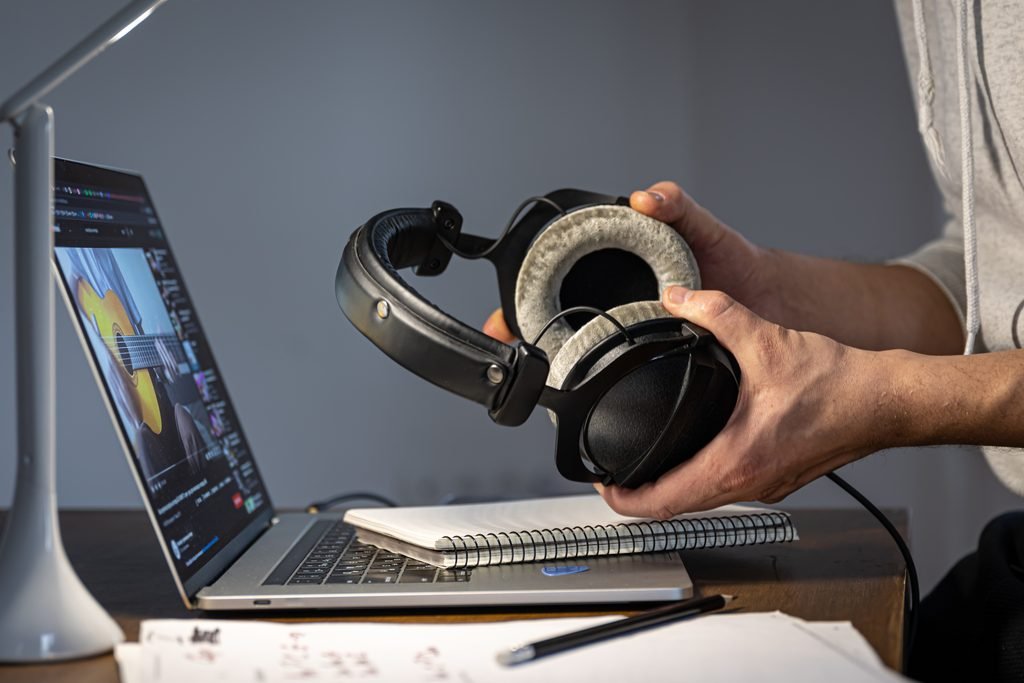
Sound consistency plays an important role in creating a professional listening experience. When audio levels change unexpectedly, listeners may struggle to follow conversations or understand important details.
For example, in a podcast, one speaker might talk quietly while another speaks much louder. Without proper balancing, listeners may need to adjust their volume repeatedly.
Similar problems can occur during live events, interviews, presentations, and broadcast productions.
Consistent audio levels help to:
- Make conversations easier to understand.
- Reduce sudden changes in perceived loudness.
- Improve the overall listening experience.
- Reduce repetitive manual volume adjustments.
- Create a more polished final production.
Audio balancing is therefore an important part of both recording and post-production workflows.
How VolumeRider Works
VolumeRider is designed to automate volume adjustments rather than requiring producers to control every change manually.
A typical workflow involves setting up the audio mixer, establishing input levels, and placing the plugin on the master bus. The tool then adjusts the output to help maintain the selected target level.
This approach can be especially helpful when several audio sources are active at the same time.
Setting Up Input Levels
The first step in any audio production workflow is establishing suitable input levels.
Producers need to make sure that microphones and other sources provide clean signals without unwanted clipping or excessive background noise.
Proper input setup gives an audio-balancing tool a better starting point.
Loading the Plugin
Once the mixer is configured, VolumeRider can be loaded onto the master bus according to the website’s suggested workflow.
This allows the tool to work with the combined output rather than requiring the producer to make every adjustment independently.
Maintaining Output Consistency
The plugin automatically adjusts output levels toward the selected target.
This can reduce the need for constant manual intervention, particularly when several people are speaking or when different audio sources have varying loudness.
Matching Tonal Character
VolumeRider also describes an option for matching the tonal character of different audio sources.
This can help create a more cohesive sound when combining recordings made with different microphones or equipment.
However, volume balancing and tonal matching are not substitutes for proper microphone placement, equalization, noise reduction, or professional mixing.
Where VolumeRider Can Be Useful
Different production environments have different audio requirements. A tool that helps manage sound levels can be useful in several situations.
Podcast Production
Podcasts often include multiple speakers, remote guests, interviews, and recorded segments.
Differences in microphone distance, speaking style, and recording equipment can create uneven audio levels.
Automated volume adjustment can help reduce these differences and make episodes more comfortable to listen to.
Broadcasting
Broadcast production requires attention to audio consistency because programmes may combine interviews, studio conversations, recorded reports, and other sound sources.
Maintaining suitable levels helps prevent sudden loudness changes between segments.
Panel Discussions
Panel discussions can involve several speakers using different microphones. Some participants may speak softly, while others have stronger voices.
An audio-balancing tool can help manage variations and support a more consistent listening experience.
Theatre Productions
Theatre productions often combine dialogue, background music, effects, and multiple microphone feeds.
Managing these sources requires careful attention because sudden changes in sound can affect the audience’s experience.
Live Events
Live events may involve presentations, interviews, music, announcements, and audience participation.
An audio workflow that reduces repetitive adjustments can help sound operators focus on the wider production.
Benefits of Automated Audio Balancing
Automating repetitive audio tasks can make production workflows more manageable. It does not eliminate the need for professional judgment, but it can support producers during complex sessions.
Some potential advantages include:
Reduced manual adjustments: Producers may spend less time correcting frequent output-level variations.
More consistent listening: Balancing different sources can help create a smoother listening experience.
Workflow efficiency: Automation can reduce repetitive work during podcasts, broadcasts, and other productions.
Multiple-source support: The tool is designed for situations involving several audio feeds.
Tonal consistency: Its described tonal-matching option may help different sources sound more cohesive.
The actual results depend on the recording environment, input quality, plugin settings, and the requirements of the production.
VolumeRider and the Importance of Audio Quality
Good audio production involves much more than controlling volume. Several elements work together to create clear and enjoyable sound.
Microphone Selection
Different microphones have different characteristics. Choosing an appropriate microphone for the speaker and recording environment can improve clarity and reduce unwanted noise.
Microphone Placement
The distance between a microphone and the speaker influences recording levels and sound quality.
Consistent microphone placement can help reduce unnecessary differences between recordings.
Background Noise Control
Fans, traffic, room reflections, and nearby conversations can affect audio quality.
Recording in a suitable environment and using appropriate noise-control techniques can make the final output clearer.
Equalization and Compression
Equalization helps adjust frequency balance, while compression controls dynamic range.
These techniques serve different purposes from automatic volume riding. Producers may use them alongside volume automation when the production requires additional control.
Final Listening Tests
Before publishing or broadcasting a recording, producers should listen carefully using suitable headphones or speakers.
Checking the beginning, middle, and end of a recording can reveal problems that may not be obvious during production.
What to Consider Before Using an Audio Plugin

Choosing an audio plugin should depend on the needs of the production rather than its advertised features alone.
Before adding VolumeRider or another audio tool to a workflow, consider these factors:
- Compatibility: Check whether the plugin supports your operating system and audio production software.
- Workflow requirements: Determine whether it fits your existing mixer and routing setup.
- Control options: Understand how target levels and adjustment settings work.
- Audio quality: Test whether the results suit your recording and listening requirements.
- System performance: Make sure the plugin operates reliably during longer production sessions.
- Documentation: Review available instructions and support information before using it in an important project.
Testing a plugin with sample recordings is a sensible way to understand its behavior before relying on it for professional work.
The Role of Audio Technology in Modern Content Creation
Podcasts, online videos, live streams, digital broadcasts, and virtual events have increased the importance of accessible audio production tools.
Creators no longer need to work in traditional recording studios to produce audio content. Many use home recording setups, USB microphones, digital mixers, and software-based production environments.
As these workflows become more common, audio automation can help creators manage repetitive tasks and improve production efficiency.
Tools such as VolumeRider demonstrate how specialized plugins can address particular challenges in sound production. Instead of replacing the producer, they can support technical processes and leave more time for creative decisions.
Final Thoughts
VolumeRider is designed to make audio-level management easier by automatically adjusting output levels across multiple sound sources. Its intended applications include podcasts, broadcasts, panel discussions, theatre productions, and live events. The additional tonal-matching option also aims to help producers create a more cohesive sound.
However, professional audio quality still depends on good recording practices, suitable equipment, careful mixing, and proper listening tests. Volume automation is one part of a wider production process, not a complete replacement for sound engineering.
For creators and audio professionals who regularly work with multiple sound sources, exploring automated balancing tools can be a useful way to improve workflow efficiency and maintain more consistent output.
Frequently Asked Questions
What is VolumeRider?
VolumeRider is an audio plugin designed to automatically balance output levels across multiple audio sources in production environments.
How does VolumeRider help podcast creators?
It can help manage differences in loudness between speakers and audio feeds, reducing the need for repeated manual volume adjustments.
Can VolumeRider be used for live events?
The website describes applications including live events, theatre productions, broadcasts, and panel discussions where consistent audio levels are important.
Does VolumeRider offer tonal matching?
Yes. Its website describes an option for matching the tonal character of different audio sources to help create a more cohesive sound.
Does automated volume balancing replace audio mixing?
No. Automated volume balancing can support a production workflow, but microphone placement, equalization, compression, noise control, and final listening checks remain important parts of professional audio production.
Read More: TechGriper.com Review and Overview of Its Technology Content